Stock management
How to manage inventory across multiple retail branches
A total stock figure is not enough when one branch has the item a customer wants and another has run out. A useful inventory routine connects consistent product records with location balances, deliveries, transfers and regular counts.
Use consistent product codes and units
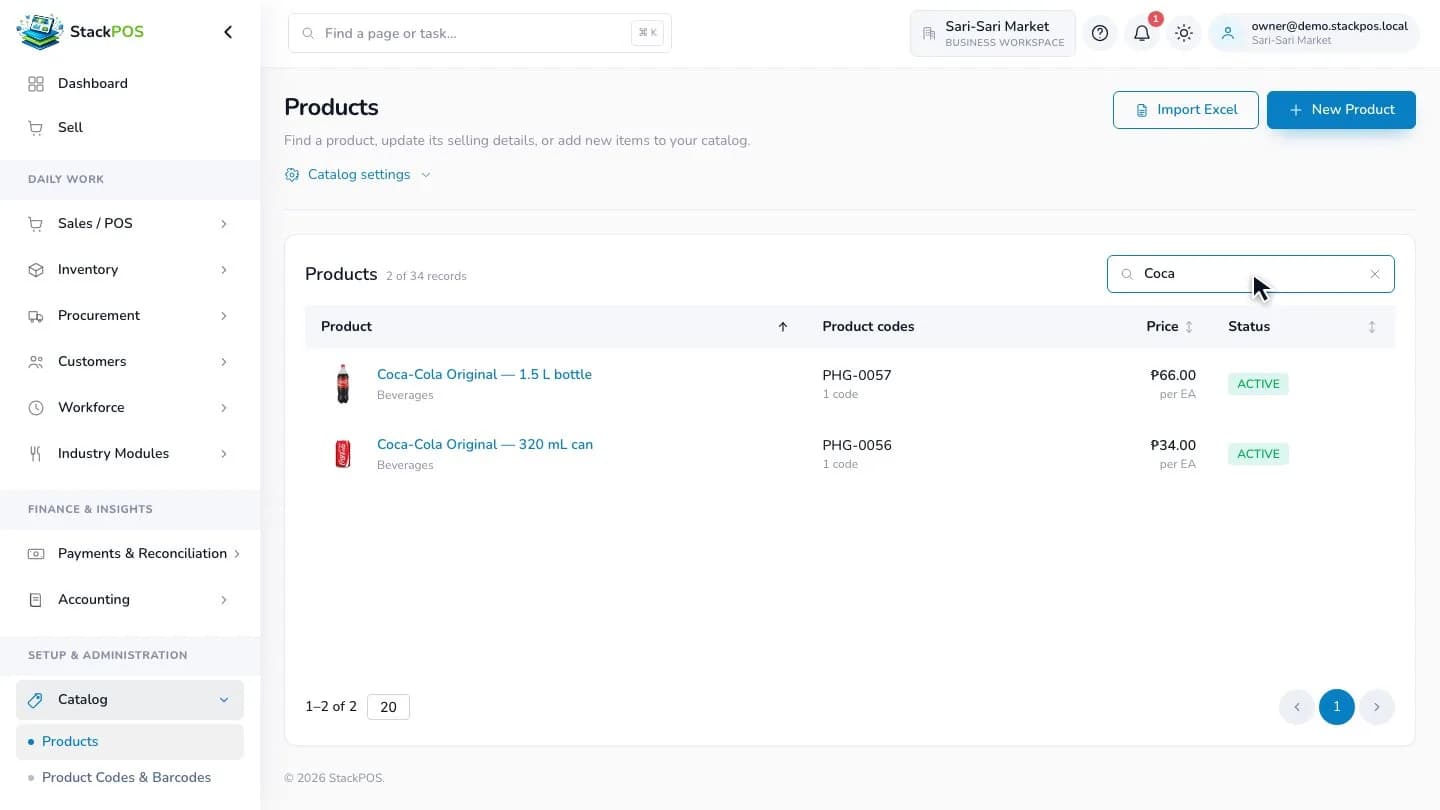
Give each sellable variant a clear product code. Keep its name, barcode and selling unit consistent across branches so a box at one location is not mistaken for a single piece at another.
For groceries, document carton-to-piece conversions before importing quantities. For retail variants, make size or color easy to distinguish. Resolve duplicate records before the first count; otherwise the same physical item can end up split between several records.
Count opening stock for each location
Create the branch and stock locations you will actually use, then count the stock physically held in each one. Separate shelf stock from backroom stock where that distinction matters to your operation.
Choose a clear counting cut-off and record any deliveries or sales that happen during the count. Check high-value items and fast sellers first. A clean opening balance gives later sales and stock movements a reliable starting point.
- Count each location separately.
- Use the correct piece, pack or weight unit.
- Investigate damaged stock and differences before importing the count.
- Keep a record of who verified the opening quantities.
Receive deliveries where the goods arrive
Compare the physical delivery with the supplier's document before recording the receipt. Enter the correct receiving location, quantities and costs. When relevant, record batches and expiry details against the received goods.
Keep purchase orders distinct from received stock. Ordering 50 pieces does not mean that all 50 are available to sell. Record short deliveries and check discrepancies while the delivery paperwork is still easy to trace.
Track stock leaving and arriving
Use a transfer for goods moving between locations. The sending team records what leaves, and the receiving team checks what arrives. Review items in transit instead of assuming stock becomes available at the destination immediately.
StackPOS Business and Enterprise plans include multiple warehouses and stock transfers. Compare the branch capacity and modules of the current plans before choosing a subscription for several stores.
Review exceptions before using the totals
At the end of the day, check incomplete transfers, stock corrections and sales waiting to sync. A register that sold offline cannot update another branch's view until its sales reach the server.
If two disconnected registers sell the same last unit, the conflict may need manager review on reconnection. Investigate the affected sale and payment rather than editing quantities just to make a report look balanced. Use regular counts to find physical differences that software cannot observe.
- Review pending and failed sale syncs.
- Check transfers that have not been received.
- Count selected fast-moving or high-value products.
- Record the reason and authorization for stock corrections.
Rehearse the routine before adding a branch
Test a delivery, a transfer, a cash sale and a stock count using sample items. Give staff access to the locations and tasks they need, then verify that your manager can explain the resulting balances.
For grocery and retail stores, the goal is a repeatable handover: staff know what was received, what moved, what sold and what still needs investigation. Start with that routine before adding more reporting or expanding to another branch.
Common questions
Is on-hand stock the same as available stock?
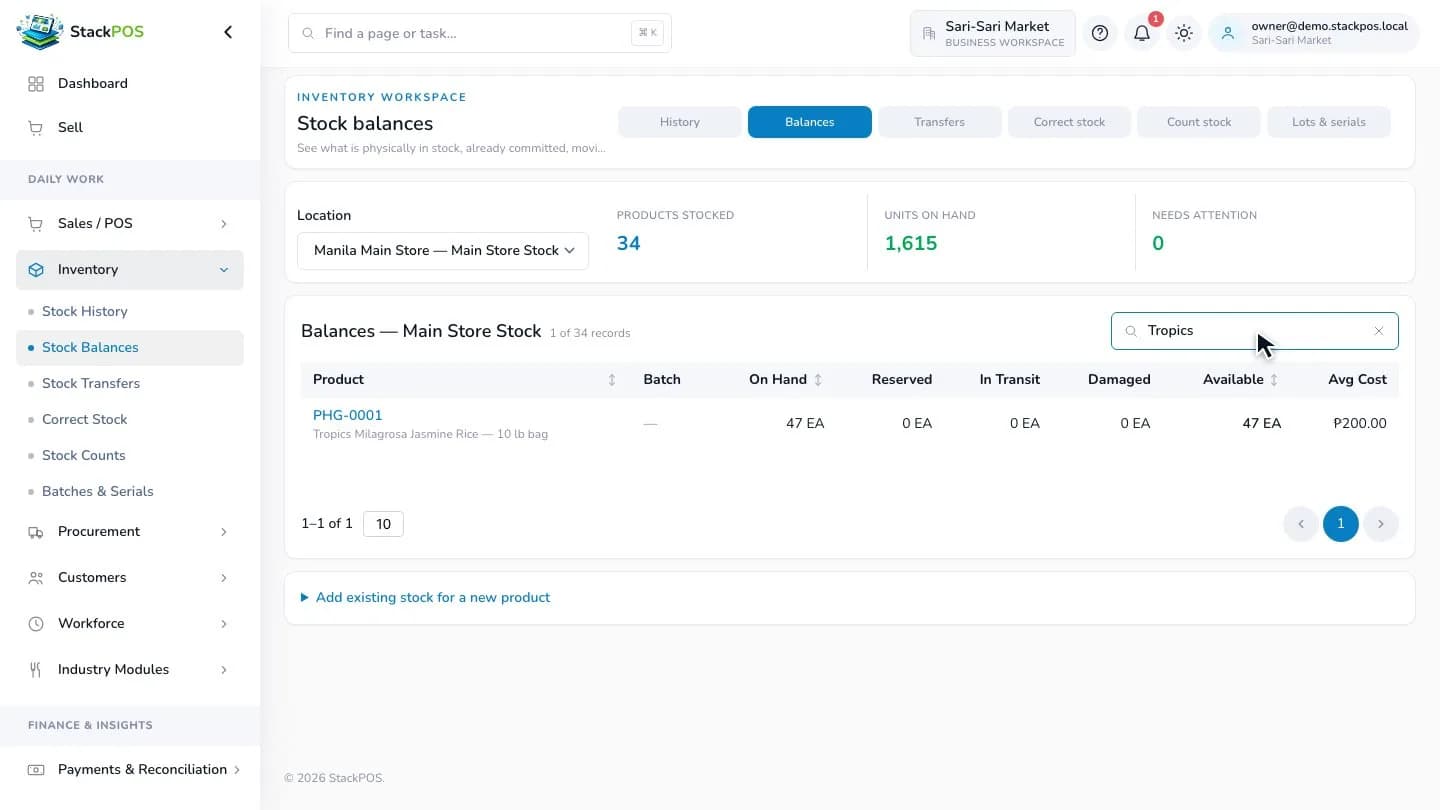
Not always. Reserved, damaged and in-transit quantities can affect what is available to sell. Read the relevant location balance rather than relying on a combined total alone.
Can a POS replace a physical stock count?
No. Software records the movements entered into it. Physical counts are still needed to find missing, damaged or incorrectly recorded goods.