Choosing a POS
How to choose POS software for a Philippine grocery or retail store
The right POS should fit an ordinary working day in your store: a delivery arrives, customers queue, a cashier changes shifts and someone needs to check what is left on the shelf. Compare systems using those tasks, rather than a long feature list alone.
Start with a basket from your own store
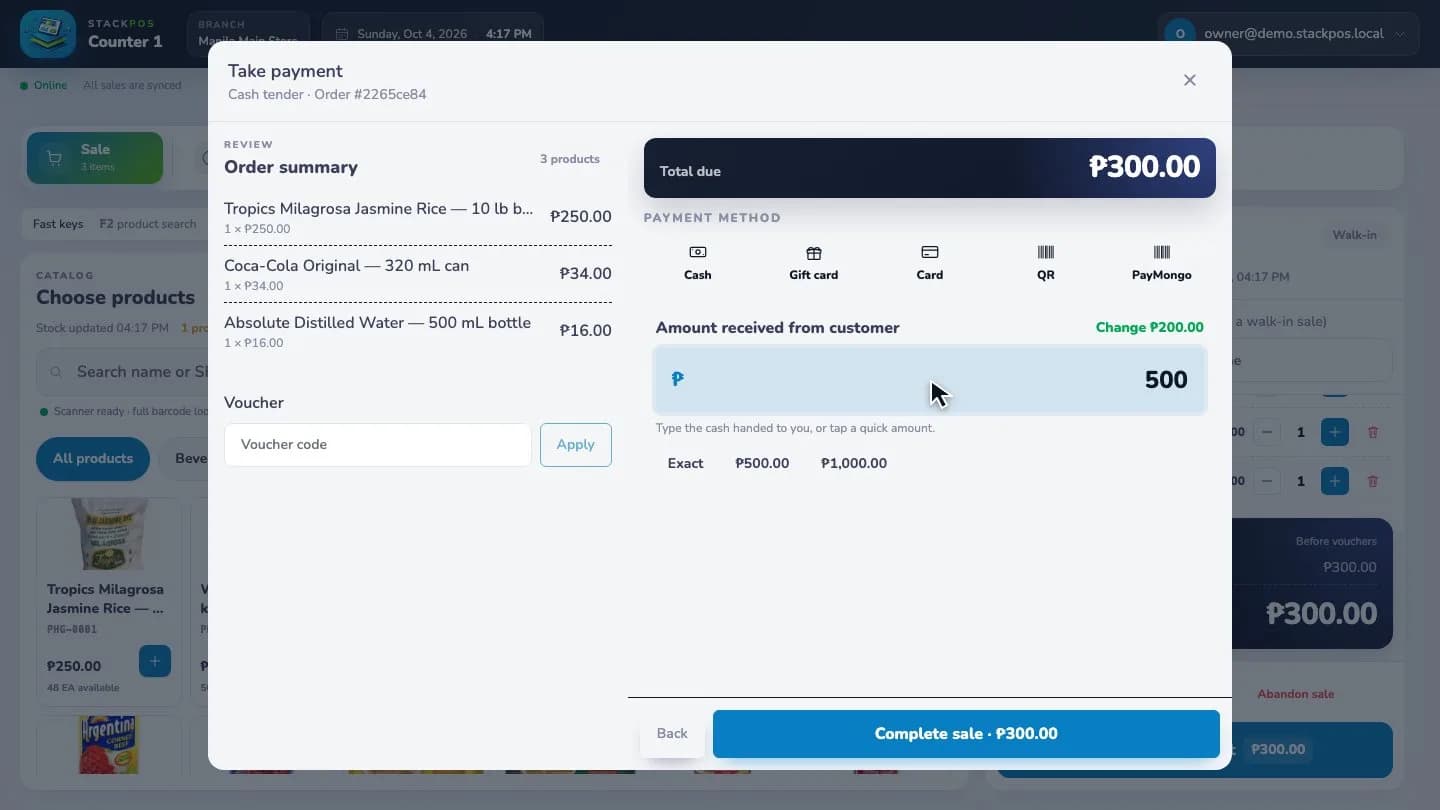
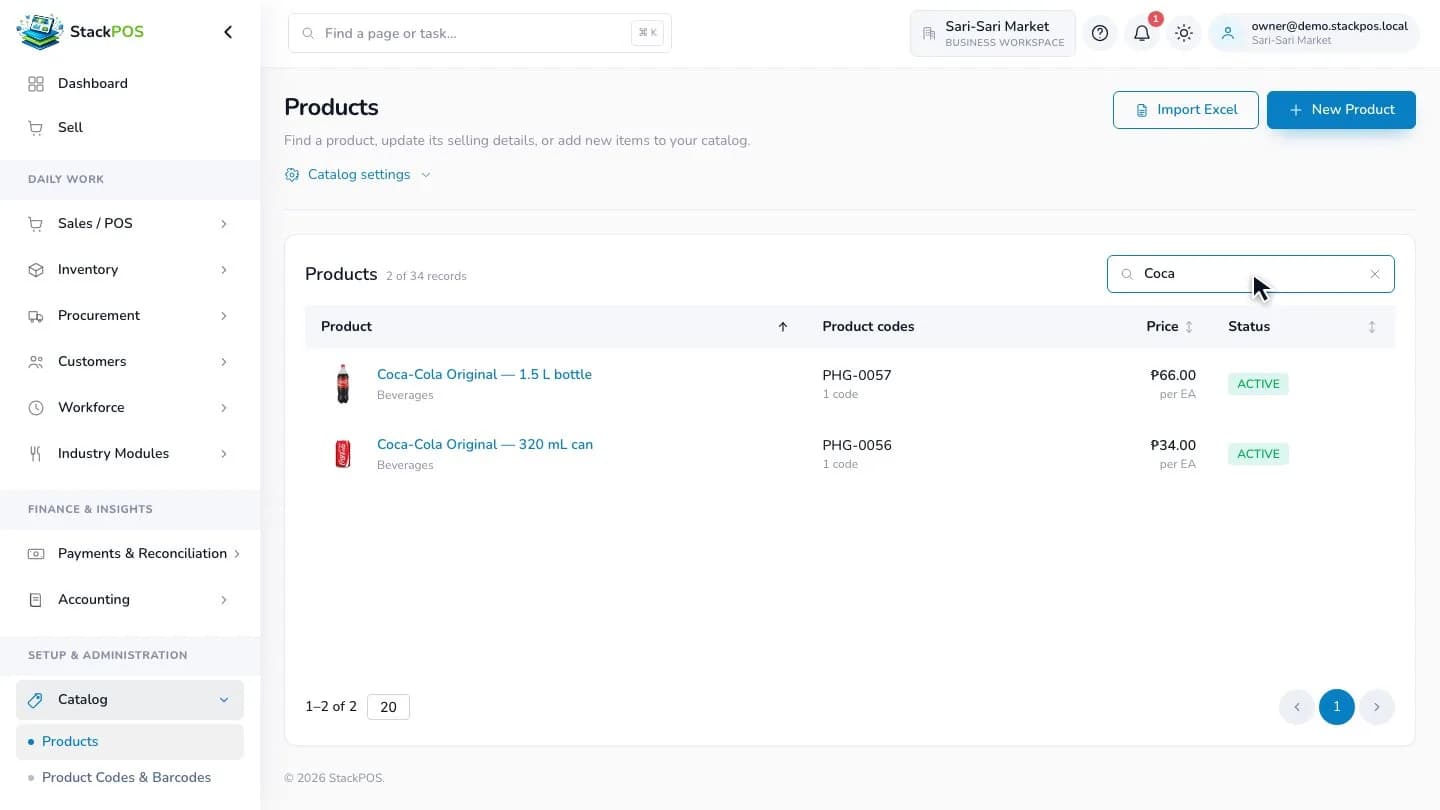
Bring a short list of products to a demo: a popular item, two similar pack sizes, a product with a barcode and an item you normally find by name. Ask the person demonstrating the system to build that basket, change a quantity, remove an item and finish a cash sale.
Watch what the cashier actually needs to do. The name, selling unit and price should be easy to distinguish. Test a return and the end-of-shift cash count as separate tasks; a smooth sale does not tell you how exceptions are handled.
- Can staff find the right size or pack without guessing?
- Does the receipt match the basket, payment and change?
- Can managers control which staff may refund or discount a sale?
Separate offline selling from online payments
Ask what happens after the internet connection drops, and what must be prepared beforehand. An offline-capable register needs its application, products and relevant stock information available on the device. A first-time setup cannot rely on information it has never downloaded.
In StackPOS, supported cash sales can continue after the register is set up and synced. PayMongo checkout requires connectivity to create and verify a payment. Test the outage and reconnection workflow in a prepared trial store before relying on it at a busy counter.
Check receiving, stock counts and selling units
A grocery may buy a carton and sell individual pieces. Confirm how the system records those units, opening quantities and purchase costs. Where you need batch or expiry tracking, test those specific products rather than assuming every item is configured that way.
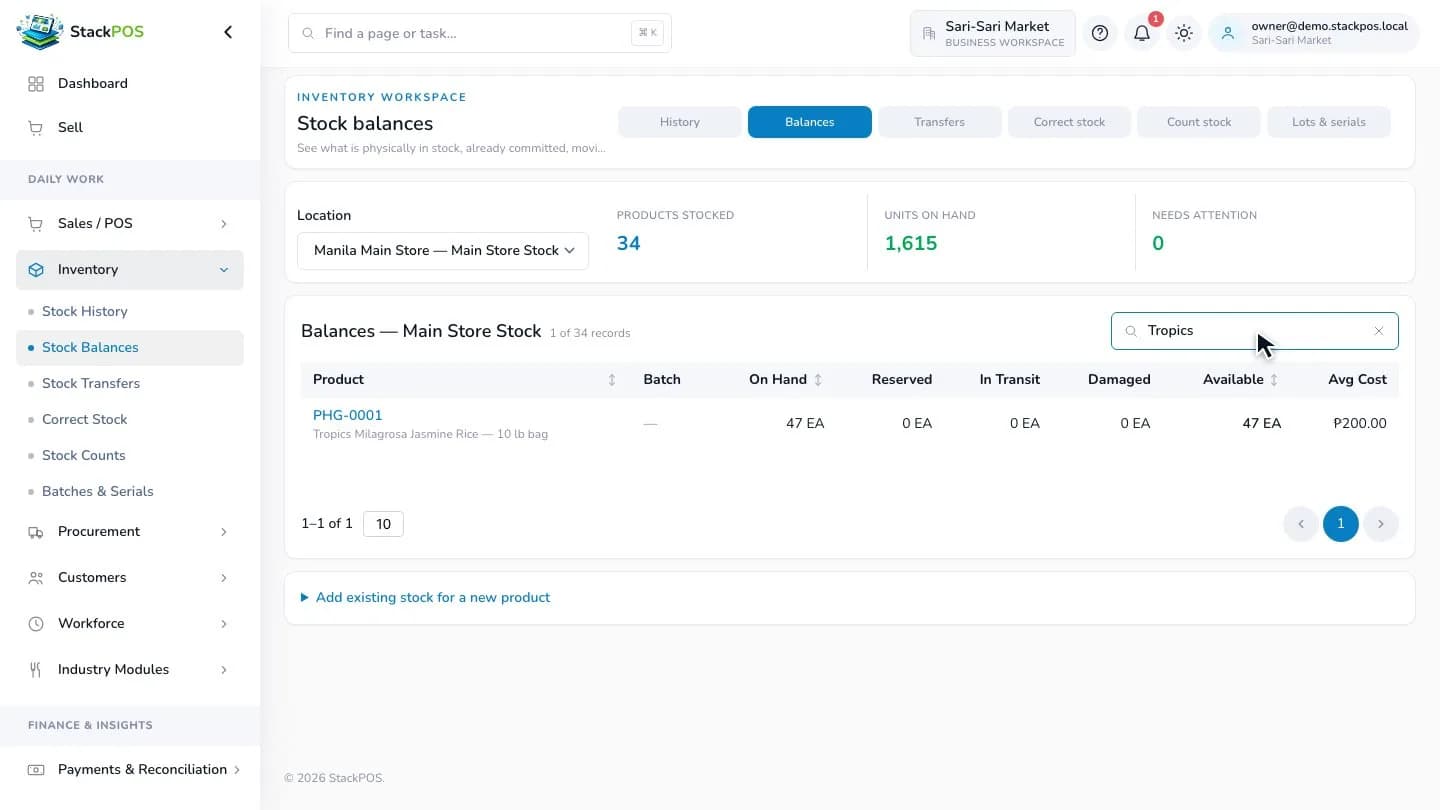
Ask to see the stock balance after a delivery, a sale and a count correction. If you have another branch, demonstrate sending stock and confirming its arrival. Your team should be able to tell where stock is physically held and what is still moving.
Compare the full setup cost
List the number of branches, registers and users you need today. Compare the subscription against that capacity and the modules you will actually use. Include your computer or tablet, receipt printer, scanner, cash drawer, internet connection and any payment-provider charges in the budget.
Test the exact hardware model and connection type before buying equipment. Ask who handles setup and what support is available. Provider fees, devices and any optional services should be checked separately from the software subscription.
Use the trial to rehearse a complete working day
Start with a small, verified catalog and opening stock. Run checkout, a receipt, a return, a stock count and a cashier handover. Record any step that confuses your team, then repeat it after training.
StackPOS offers a 15-day Business trial with 1 branch, 2 registers and 5 users. No subscription payment is needed to start. Choose a rollout date only after your stock, staff access and devices have passed your own checks.
Common questions
Should I choose only by the monthly price?
Compare the price with branch, register and user capacity, required modules, hardware and payment-provider charges. A cheaper subscription can still leave you paying separately for essentials.
Can I use the same checklist for a small retail shop?
Yes. Replace the grocery basket with your own products and variants, then test the same checkout, stock, staff and hardware workflows.