Offline checkout
How offline POS checkout works during an internet outage
An internet outage does not have to stop every cash sale, but offline checkout has limits. Here is what to prepare, what a supported StackPOS cash sale does while disconnected, and what to check when the connection returns.
Prepare the register while you are online
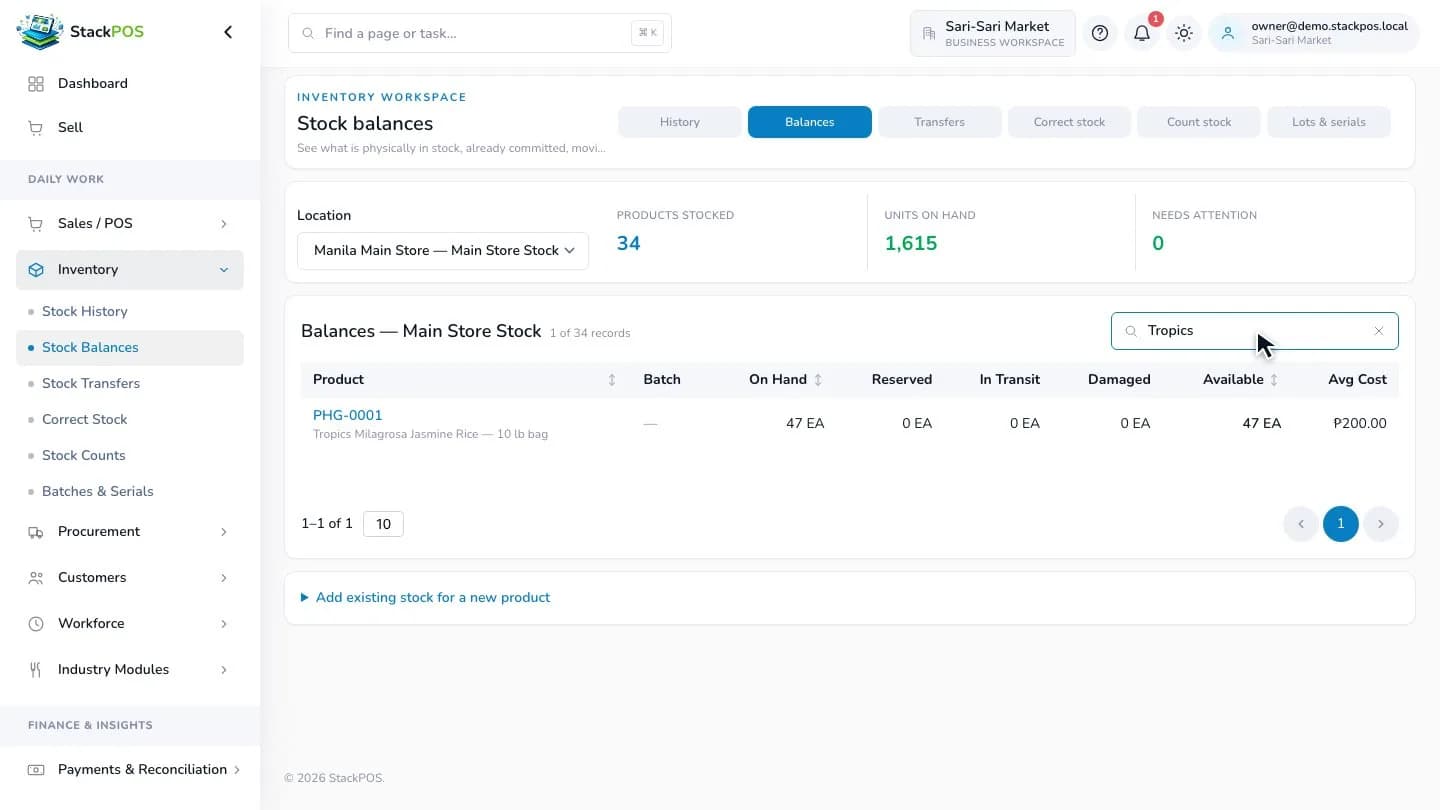
Set up and sync the register before the outage. Confirm that the products, prices and stock you need are available, and open the register shift while connected. Rehearse the workflow with sample data so your cashier knows where to find the connection and sync status.
Keep the prepared device and browser profile available. Clearing browser site data can remove locally stored sales that have not yet synced. A disconnected register also cannot download new products or see fresh changes from another branch.
- Set up the register and confirm that it has synced.
- Check your catalog, prices and stock before the shift.
- Make sure the device and required peripherals have power.
- Train staff to check pending sales before switching devices.
Continue supported cash sales locally
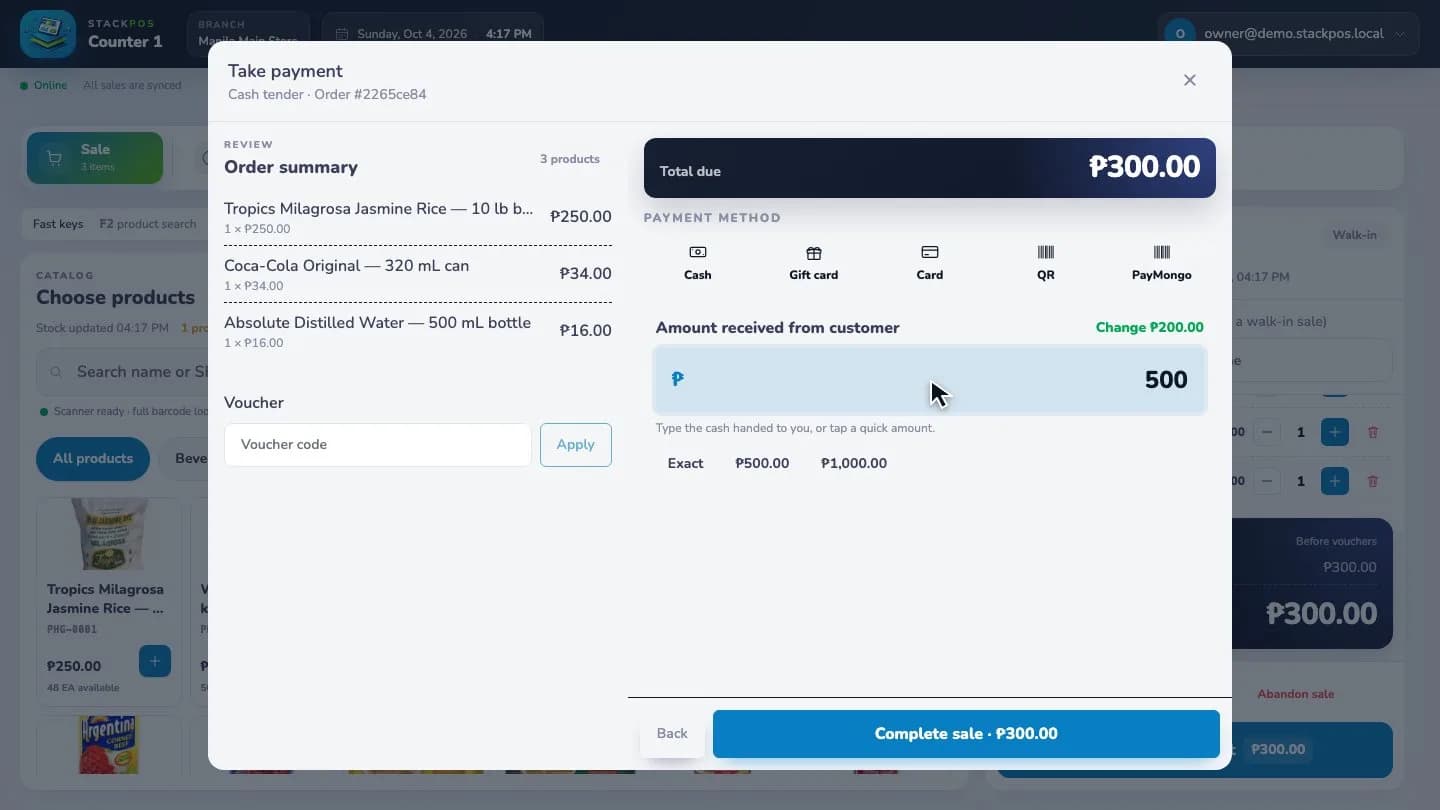
During an outage, the prepared register can record supported cash sales on the device and queue them for sync. The cashier can build a basket from the saved catalog, take cash and complete the supported checkout flow.
Checkout still checks the saved stock information. Missing, insufficient or outdated stock can block a sale; offline does not mean that every product may be sold without a stock check. Browser storage, device power and the prepared register remain part of the workflow.
Use connectivity for PayMongo payments
Online payments need a connection to the payment provider. StackPOS uses your connected PayMongo account for supported methods such as GCash, Maya and QR Ph; a new payment needs online creation and verified confirmation.
If the connection drops during a payment, do not assume the customer was charged or immediately collect another payment. Check the payment status after reconnecting and follow the checkout prompts to resolve the existing attempt. An uncertain payment should not be treated as a fresh cash sale.
Reconnect and check the sync status
When the connection returns, the register attempts to send its queued sales. Check that pending receipts reach a synced status. Until they do, central reports and other registers may not reflect those sales.
Review any failed or flagged sale before treating the shift as finished. For example, two disconnected registers can each sell what they believe is the last unit. Once they reconnect, the conflicting sale can require a manager to reconcile the receipt, payment and stock. Offline registers cannot promise an immediate shared stock balance.
Keep a simple outage checklist at the counter
Agree on who checks the connection, who handles unresolved payments and who reviews unsynced receipts. That gives the cashier a clear path when an outage interrupts a queue.
Test internet loss and reconnection in your prepared trial store. An internet outage and a power outage are different: your device and printer still need power. Decide whether your shop needs backup power and test it with the equipment you actually use.
- Read the register's connection and sync status.
- Use supported cash checkout while disconnected.
- Avoid clearing site data or moving an unsynced register to another device.
- On reconnection, review pending sales, payment status and stock exceptions.
Common questions
Can I set up a new register without internet?
Prepare and sync it while online first. A new device needs to obtain the application and store information before it can use the supported offline workflow.
Does offline POS mean GCash and Maya work without internet?
No. New PayMongo payments require connectivity and verified confirmation. Supported offline cash checkout is a separate workflow.
Will other branches see an offline sale immediately?
No. An offline sale remains local until it syncs. Review sync status before relying on central sales and stock reports.